Client Side Semantic Search with BGE Embeddings in JavaScript
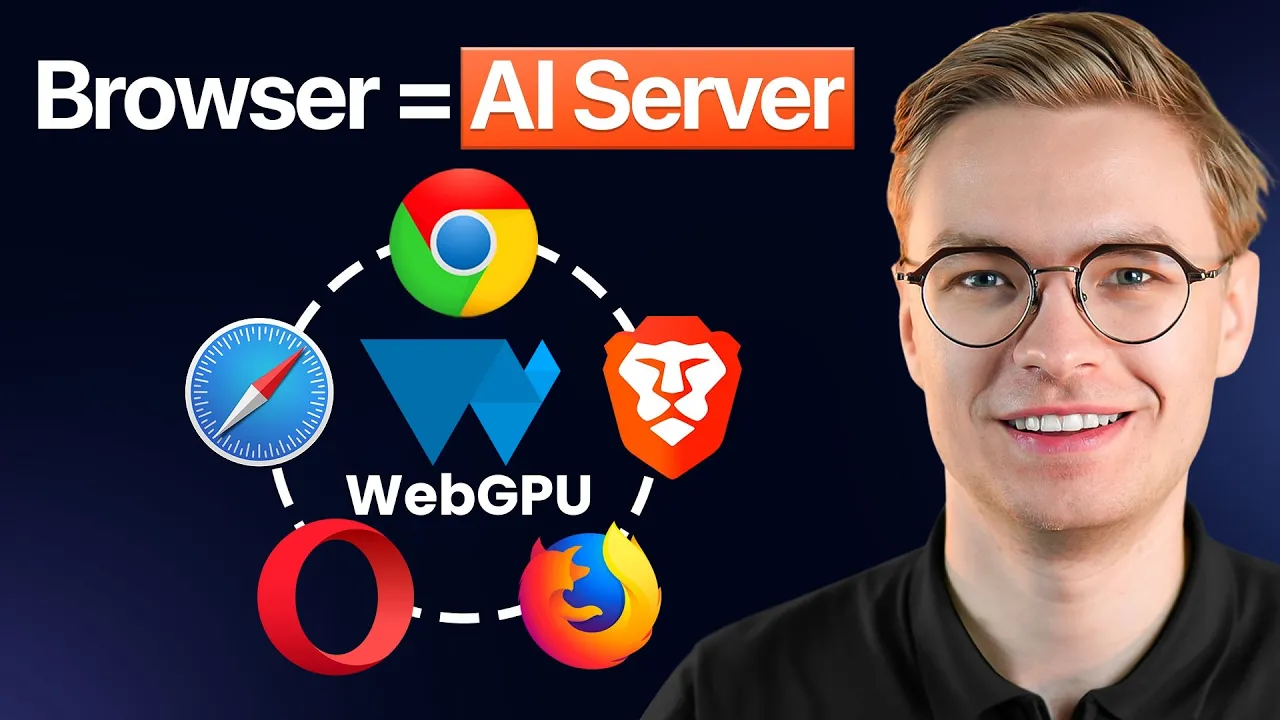
When I tell people that they can run client side semantic search with BGE embeddings in JavaScript, completely inside the browser, they usually do not believe me. A year ago I would not have believed it either. But I have a working demo where a user types a query like “preparing food,” and in about six milliseconds the page returns the most semantically related sentences from a local knowledge base. No server. No API key. No vector database hosted somewhere in the cloud. Just a small embedding model running in Chrome on the user’s own GPU or CPU.
That single capability changes how I think about search on the web. Most teams still default to a hosted vector database the moment somebody says the word “semantic.” That made sense when embedding models were huge and slow. It does not really make sense anymore for a lot of use cases. Documentation sites, blog archives, internal knowledge bases, in-app help, and personal note tools can all run their search layer entirely on the client. In this article I want to walk through how that actually works, what BGE small and BGE base bring to the table, and why transformers.js makes the whole thing surprisingly approachable.
Why Run Semantic Search on the Client at All?
The traditional pattern for semantic search puts the embedding model on a server, the vectors in a managed database, and the query path behind an API. That stack works, but it carries a cost. You pay for inference, you pay for storage, you pay for egress, and you pay in latency every time a user types a query. For a docs site that gets sporadic traffic, those bills are wildly out of proportion to the value delivered.
Client side semantic search flips that math. The model lives in the browser cache after a one time download. The vectors are precomputed at build time and shipped as static JSON or stored in IndexedDB. Queries never leave the device. For a public docs portal or a blog search box, this is close to free to operate, and it scales perfectly because every user brings their own compute. This is the same broader shift I describe in what is edge AI, where inference moves toward the user instead of staying centralized.
There is also a privacy angle that I think is underrated. When a user searches your knowledge base, the query itself often reveals what they are struggling with. Keeping that query on device means you are not building yet another log of sensitive search behavior on your servers.
What Are BGE Embeddings and Why Do They Fit the Browser?
BGE stands for BAAI General Embedding. It is a family of text embedding models from the Beijing Academy of Artificial Intelligence, and the small and base variants have become a default choice for retrieval work. BGE small produces 384 dimensional vectors and weighs in around 130 megabytes in its full precision form. BGE base produces 768 dimensional vectors and is roughly twice that. Both are small enough that, when quantized, they can be cached in a browser without making your users hate you.
That last point matters more than people realize. The whole strategy depends on getting the model into the browser exactly once, then reusing it forever. Quantization is the lever that makes the download tolerable. By converting the weights to int8 or smaller, the cached model size drops dramatically while quality stays close to the original. I dug into this tradeoff in detail in model quantization key to faster local AI performance, and it is the single most important optimization for any in browser AI workload.
For a typical docs search use case, BGE small is more than enough. The retrieval quality is strong, the vectors are compact, and the inference time per query on a modern laptop is in the single digit milliseconds once the model is warm. That is not a typo. The semantic search demo I built returned results in about six milliseconds for a query against a small local index.
How Does Transformers.js Actually Run the Model in the Browser?
Transformers.js is the JavaScript port of the Hugging Face Transformers library. It uses ONNX Runtime under the hood and can target either WebGPU for accelerated inference or plain WebAssembly on the CPU when WebGPU is not available. From a developer perspective, you load a pipeline by name, point it at a model on Hugging Face, and call it like a function. The library handles the model download, the tokenizer, the cache, and the runtime selection.
For embedding generation specifically, you ask transformers.js for a feature extraction pipeline pointed at a BGE checkpoint. When you call it with a string, it returns a tensor that you flatten into a JavaScript array of floats. That array is your embedding. There is no Python, no FastAPI server, no Docker container. It is just a function call that happens to load a neural network behind the scenes.
The first run downloads the model and stores it in the browser’s cache storage. Every subsequent run is instant. This caching layer is what makes the whole pattern viable for production. A user pays the download cost once on their first visit, and then your search box behaves like a local app forever after.
If you are curious about the broader pattern of teaching an AI system to search your own content, I cover the architecture in depth in building an AI knowledge base, which complements the client side approach I describe here.
Where Do the Vectors Actually Live?
Generating an embedding for a query is only half of semantic search. You also need a corpus of precomputed embeddings to compare against. There are two practical places to put them in a browser application.
The first is a static JSON or binary file shipped with your site. For a docs site with a few hundred or a few thousand chunks, this is honestly fine. A thousand BGE small vectors at 384 dimensions in float32 is about 1.5 megabytes. Quantize them to int8 and that drops to under 400 kilobytes. Your users download the index alongside your CSS and call it a day.
The second is IndexedDB. This is the right choice when the corpus is larger, when it changes frequently, or when you want to let users add their own content. IndexedDB gives you a real client side database with transactional reads and writes, and modern browsers handle hundreds of megabytes without complaint. You can stream vectors in on first visit, store them locally, and only fetch deltas on later visits. For a personal note taking app or an offline knowledge base, this is the pattern that scales.
Looking for more concrete starter projects to learn this pattern hands on?
The cosine similarity step itself is trivial. You take the query vector, normalize it, and compute a dot product against every stored vector. For a few thousand documents this runs in single digit milliseconds in pure JavaScript. For tens of thousands, you can move the loop to a Web Worker or a small WebAssembly module and keep the main thread completely free. There is no need for an HNSW index or any fancy approximate nearest neighbor structure at this scale. Brute force cosine similarity over a few thousand vectors is faster than the network round trip you would otherwise pay to a hosted service.
What Does Real World Latency Actually Look Like?
The numbers in my demo are honest. Once the BGE model is cached, generating a query embedding takes a handful of milliseconds. The cosine similarity scan over a small corpus takes another millisecond or two. Total query latency lands somewhere around six milliseconds for a small index, and stays under fifty milliseconds even for indexes with several thousand entries. Compare that to a typical hosted search call which spends 100 to 300 milliseconds just on the network, and the client side path is dramatically faster from the user’s perspective.
The first visit is the only place where the experience is noticeably different. The model download is real. For BGE small, expect somewhere between 30 and 130 megabytes depending on quantization. You handle this with progressive loading, a clear UI state, and the knowledge that the user only pays this cost once. After that, even on a flaky network, search keeps working.
What Use Cases Make Sense Right Now?
The pattern shines in a few specific shapes of problem. Documentation search across a static site is probably the highest leverage use. Blog search across an archive is similar. In app help, where the corpus is small and the queries are specific, fits perfectly. Personal knowledge bases and note tools, where the data is sensitive and the user wants offline support, are arguably the killer application.
What does not fit is anything where the corpus is genuinely huge, where you need cross user analytics on queries, or where you are doing full retrieval augmented generation against a constantly updating dataset. Those still belong on a server, and the architecture I describe in building production RAG systems complete guide is the right reference for that side of the spectrum. The interesting reality is that hybrid systems are increasingly common. Client side semantic search handles the fast path for the 90 percent of queries that are routine, and the server only gets involved for the heavier lifting.
How Do I Actually Start Building This?
The shortest honest path is to clone a working browser AI project, swap in your own corpus, and ship it. Transformers.js, BGE small, and a few hundred lines of TypeScript will get you most of the way there. The video walkthrough I made shows exactly how the pieces fit together, including the WebGPU detection, the worker setup, and the embedding pipeline.
If you want to see it running and grab the source, the full walkthrough is on YouTube here: https://www.youtube.com/watch?v=1mix7WnuEK0. And if you are serious about leveling up into AI engineering work that pays well and ships real systems, come join the community at https://aiengineer.community/join. We talk about exactly these kinds of architectures every week, and the shift toward client side AI is one of the trends I am most excited to help engineers ride.
