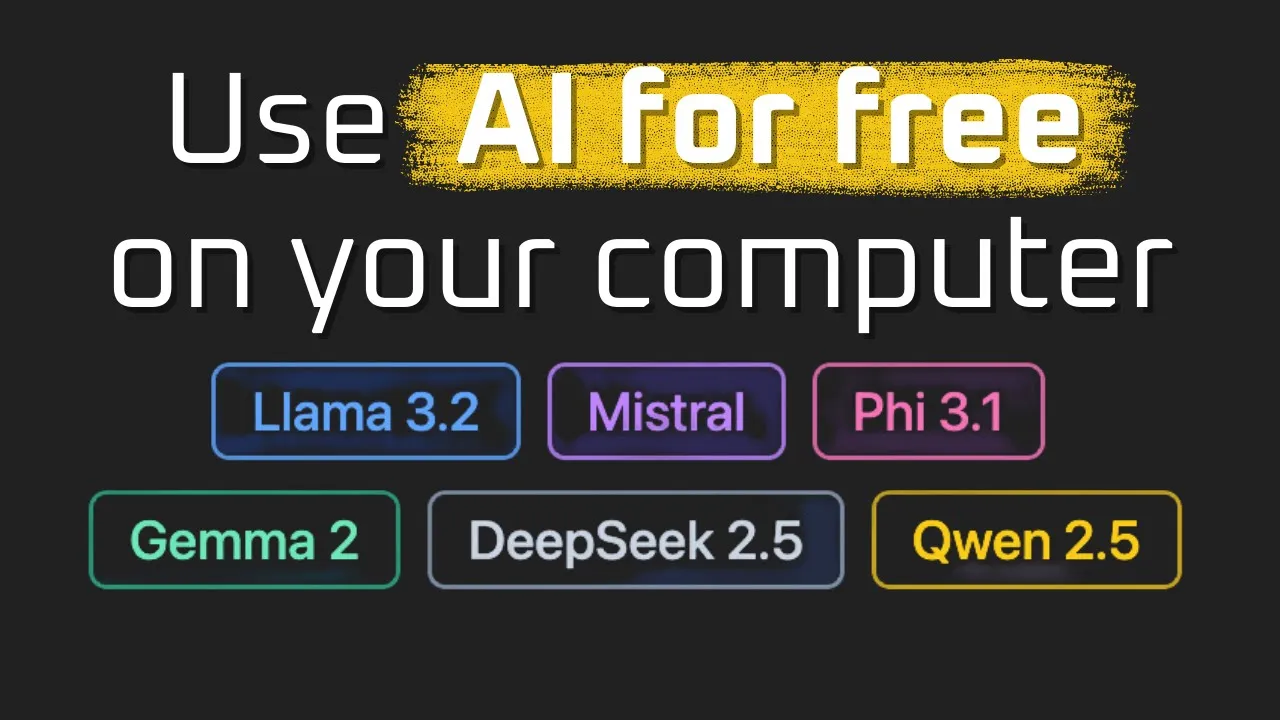
Local AI for Developers Working on Bad Internet Connections
I have written code on a slow train through the Alps. I have shipped features from a beach cafe where the WiFi was technically present but spiritually absent. I have debugged a production issue from a mountain cabin while tethering to a phone that showed one bar of signal and a cruel sense of humor. If you have ever tried to build with AI in conditions like that, you already know the secret nobody talks about in glossy keynote demos. The cloud assumes you live next to it.
Most AI tutorials assume your internet is fast, cheap, and always there. Real life keeps reminding me that none of those three things are guaranteed. Cafes throttle. Hotspots rate limit you to dial-up speeds after one gigabyte. Hotels charge by the device. Conference WiFi melts the moment everyone opens a laptop. And rural connections, no matter what the marketing says, still drop you into a long quiet pause every few minutes.
This is the case for local AI. Not as a hobby, not as a privacy crusade, but as a practical tool for developers who want to keep working when the bandwidth is hostile. If you have ever felt the cold sweat of waiting for a 30 second API response on a flaky tether, this post is for you.
Why does API dependent development feel so brittle on the road?
API dependent AI feels great in your home office. It feels horrible everywhere else. The reason is simple. Every prompt is a network round trip, every response streams over the same fragile link, and every retry burns your monthly data cap. A single agent loop calling an LLM five times can mean five separate failures on a bad connection. You do not actually need the cloud to be down. You only need it to be slow.
I have watched developers stare at a spinner for two minutes, then start refreshing the page, then start questioning their career. None of that is the model’s fault. The model is fine. The pipe between you and the model is the problem.
There is a second issue that is harder to see. Even when the connection works, you pay a tax on every iteration. AI development is iterative by nature. You tweak a prompt, run it, look at the output, tweak again. Doing that 200 times in a day on a fast connection is fine. Doing it on a 3G hotspot is a kind of psychological torture. You start writing fewer experiments. You stop trying weird ideas because each weird idea costs you a coffee break of waiting. The quality of your work drops in ways you can measure later, when you look at your git log and notice you only shipped half of what you usually do.
Local AI fixes both problems at once. The model lives on your machine. There is no pipe. There is no retry budget. There is no spinner. You hit enter and the response starts in the same second.
What does a working offline setup actually look like?
The setup that has saved me more times than I can count is shockingly simple. I covered the full walkthrough in my 10 minute local AI setup video, and I want to be honest about how short the path really is. You download one application, you pick a model, you click load. That is the whole story. The first time I did this I kept waiting for the difficult part. It never came.
LM Studio is the application I keep coming back to. It runs on a modern Mac with an M chip, and it runs on Windows or Linux if you have a decent GPU. There is no compatibility chart you need to memorize. You install it, you try a model, and the application tells you immediately whether your hardware can handle it. If a 3 billion parameter model loads in seconds and answers fast, great. If you want more capability, you try a 7 billion parameter model next and watch the memory meter to see if you have room.
The first model worth downloading is small on purpose. A 3 billion parameter model is fast, light, and good enough for most coding assistance, summarization, and rewriting work I do on the road. You can chat with it through the built in interface. You can also flip a switch in the developer tab and turn the same application into a local API server that speaks the standard chat completions protocol your existing code already understands. That last part is what changes local AI from a toy into a real development tool.
For the deeper hardware conversation and the question of how much computer you actually need, accessible AI on your local machine walks through the misconceptions about model requirements. The short version is that you probably already have enough machine. People underestimate their own laptops constantly.
How does the local API server replace your cloud calls?
This is the part that feels like magic the first time you see it. Inside LM Studio you load a model into memory, you go to the developer tab, and you start a server with one click. The server exposes the same shape of endpoint that the major cloud providers expose. You can grab a sample curl request directly from the loaded models tab, paste it into a terminal, and watch your laptop answer the request without touching the internet.
From there, your existing code barely changes. If you wrote a Python script that hits a hosted chat completions endpoint, you point it at your local server instead. The request format is the same. The response format is the same. Your application code does not care that the model lives ten centimeters from the keyboard instead of ten thousand kilometers away in someone else’s data center.
This is the moment where offline development stops being a workaround and starts being an upgrade. You write tighter loops because each iteration is instant. You experiment more because experiments are free. You stop budgeting your time around network conditions and start budgeting it around the actual problem you are solving. I have watched my own throughput on local code roughly double during weeks where I am traveling, because the friction of waiting just disappears.
If you want a deeper look at the runtime side specifically, the Ollama local development guide covers an alternative I also use, particularly for command line workflows. Different tools, same core idea. The model is on your laptop and your code talks to localhost.
What about the cost question on long trips?
I think people underestimate how much running cloud AI actually costs once you are using it seriously. A single developer doing real work with a frontier model can burn through dozens of dollars per day in tokens. On a one month trip that is real money. On a small team that is a budget meeting.
Local AI flips the math. The cost is your laptop, which you already own, and the electricity to run it, which on a modern machine is laughably small. You pay zero per token. You can run a million experiments and the bill does not move. The cost effective local LLM setup guide breaks down the numbers in more detail, and the conclusion is the one you would expect. If you are doing more than a couple hours of AI assisted work per day, local pays for itself fast.
There is also a less obvious cost. Bandwidth itself is not free in many parts of the world. International data plans are expensive. Hotel WiFi is expensive. Conference passes are expensive. When your AI workflow does not need any of those things, you stop planning your trips around connectivity and start planning them around where you actually want to be.
If you want a curated set of projects to learn from, including local first agents and offline tools, I keep my open source AI projects collection up to date with the patterns I actually use. It is the fastest way to see how local models slot into real workflows without rebuilding everything from scratch.
Can you really do serious work without expensive hardware?
This is the question I get asked the most, and the honest answer surprises people. You do not need a rack of GPUs. You do not need a workstation. You need a reasonably modern laptop, ideally with a good amount of unified memory or a decent dedicated GPU, and you need to pick models that match that machine.
A small model, around 3 billion parameters, will give you fast, useful responses for code completion style tasks, lightweight chat, summarization, and translation. A medium model, around 7 to 8 billion parameters, starts to feel close to the cloud experience for most everyday tasks. The gap between local and cloud is real for the very hardest reasoning problems, but for the daily flow of building software, it is much smaller than the marketing suggests.
I wrote a full guide on learning AI without expensive hardware because I kept meeting people who thought they needed to spend thousands of dollars before they could start. That is not true. The same machine you are reading this on is almost certainly enough to begin.
The other thing worth saying is that local models keep getting better at a speed that is genuinely hard to track. The model that struggles on your laptop today will be replaced by something twice as capable in a few months, running in the same memory footprint. The capability curve for local AI is steep and it is going up. If you build the habit of working locally now, you ride that curve for free.
What changes once you trust your offline setup?
Something quiet and powerful happens once you know your tools work without the internet. You stop checking the WiFi icon. You stop opening a tab to test if the connection is still alive. You stop building little defensive habits around the network. The cognitive overhead of unstable connectivity simply goes away, and the mental space it used to occupy fills back in with actual engineering work.
I notice it most on long travel days. A flight where I used to do administrative busywork is now a flight where I ship features. A train ride through dead zones is just a train ride. A cabin without coverage is a cabin where the only thing slowing me down is the speed of my own thinking. That is a meaningful change in how a working life feels.
It also changes how you treat AI as a tool. When the model is local, you start to see it as part of your machine rather than a service you rent. You write small utilities that call it without thinking about cost or latency. You stop second guessing whether a feature is worth the API bill. You let yourself build the weird, useful, personal automation that makes a developer faster over time.
If you want to keep going from here, I cover the practical setup end to end on my YouTube channel, and the engineers who are most serious about building careers in this space hang out in the AI Engineer community. Bad internet is no longer an excuse. Your laptop is the data center now. Go build something on a train.
