Running Multiple AI Coding Agents in Parallel
Running multiple AI coding agents in parallel sounds like the ultimate productivity hack. Spin up five instances of Claude Code, point them at your project, and watch your codebase grow at five times the speed. The reality is far messier. Every agent tries to edit the same files, merge conflicts pile up, and suddenly you are spending more time untangling code than you would have spent writing it yourself. But there is a structured way to make parallel AI coding actually work.
The key insight is simple: isolation. Each agent needs its own workspace where it can operate freely without stepping on other agents’ work. When you combine proper branching strategies with a human review process, you can genuinely multiply your output while keeping full control of what ships to production. If you have been exploring AI coding tools for your engineering workflow, parallel agents are the natural next step once you are comfortable with single-agent workflows.
Why Naive Parallelism Fails
The most common mistake is running multiple agents directly on the same branch. Here is what happens every time:
- File collisions everywhere. Two agents adding features that touch the same configuration file, the same routing table, or the same component registry will produce conflicts that are painful to resolve.
- Context blindness. Each agent only sees the codebase as it existed when it started. It has no awareness of what other agents are doing in real time.
- Cascading breakage. One agent’s changes can invalidate another agent’s assumptions, leading to code that passes each agent’s own checks but fails when combined.
These problems are not theoretical. Even in a small project with just three parallel agents, you will almost certainly encounter merge conflicts because some files act as central registries that every feature needs to touch.
The Worktree Strategy
The solution is giving each agent its own isolated branch, typically through Git worktrees. Each agent works in a separate directory with its own copy of the codebase, branched from main. This means:
- No real-time interference. Agents cannot overwrite each other’s work because they are operating in completely separate file system locations.
- Clean diff visibility. You can review each agent’s changes as a self-contained set of modifications, making it easy to understand what was built.
- Controlled merging. You decide when and in what order to merge each branch back into main, resolving conflicts on your terms.
The workflow mirrors how experienced engineering teams already operate. Feature branches exist precisely because parallel development on the same branch creates chaos. AI agents are no different. They just create that chaos much faster. For a deeper look at Git workflows designed for AI engineering, having that foundation makes parallel agent work dramatically smoother.
Managing the Inevitable Merge Conflicts
Even with isolated branches, merge conflicts will happen. Two agents adding separate features will often need to register those features in the same central file. The question is not whether conflicts occur, but how you handle them.
Merge sequentially, not simultaneously. Pick one agent’s work to merge first. Then rebase the remaining branches on top of the updated main. This gives each subsequent merge the full context of what came before.
Let AI resolve simple conflicts. When the conflict is straightforward (two agents both added entries to a list, for example) you can ask an AI agent to resolve it. The agent can read the conversation history and understand the intent behind both sets of changes.
Handle complex conflicts yourself. When two agents made fundamentally different architectural decisions, no amount of automated resolution will produce clean code. These are the moments where your engineering judgment is essential.
Test each branch before merging. Open the branch in your IDE, run the project, and verify the feature works as intended. Only then should you merge into main.
The Human Loop Is Everything
Parallel AI coding is not about removing yourself from the process. It is about repositioning yourself from writer to reviewer. You become the architect who designs the tasks, the reviewer who validates the output, and the integrator who combines everything into a coherent whole.
This means you need to understand every line of code that gets merged. Not because you wrote it, but because you approved it. That review step is what separates teams shipping reliable software from teams accumulating invisible technical debt. If you are building an AI pair programming practice, parallel agents are an extension of the same principle: AI handles execution while you handle judgment.
Making It Practical
Start small. Run two agents in parallel on tasks that are clearly independent, features that live in different files and touch different parts of the codebase. Get comfortable with the review and merge cycle before scaling up.
Identify the central files in your project that multiple features will need to modify. Plan for those conflicts upfront by structuring your tasks so only one agent touches each shared file when possible.
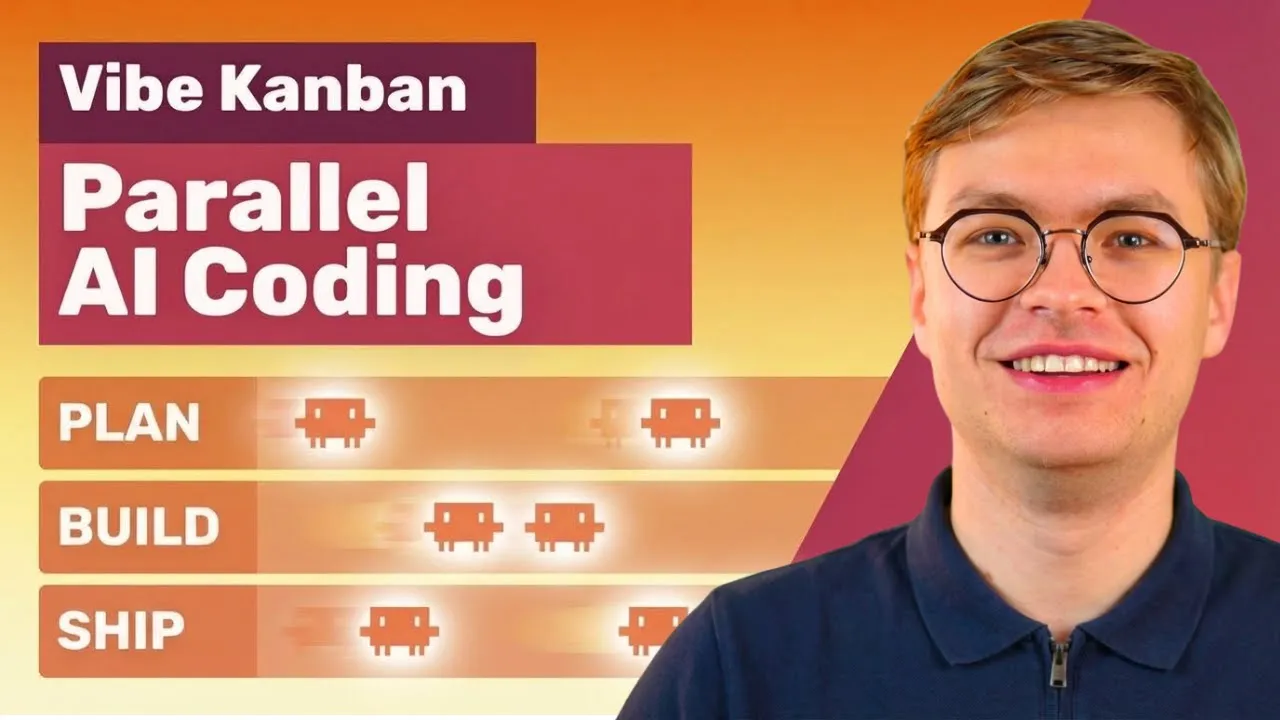
Use a visual board or task tracker to monitor which agents are working, which are awaiting review, and which have been merged. This visibility prevents the chaos that comes from losing track of multiple concurrent workstreams.
To see exactly how to set up and manage parallel AI coding agents with a visual kanban workflow, watch the full demo on YouTube. I walk through a real project where three agents build features simultaneously and show you how to handle every merge conflict that comes up. If you want to connect with other engineers scaling their AI coding workflows, join the AI Engineering community where we share practical approaches to shipping faster with AI tools.
