Ship a Local AI App Without a Backend Using WebGPU
When I tell people they can ship a real AI product without ever provisioning a server, they assume I am exaggerating. A year ago I would have agreed. But I now run image classification, hand tracking, speech to text, semantic search, and a full local Llama 3.2 chat experience inside a single browser tab, with no backend, no API keys, and no cloud bill. Everything happens on the user’s own GPU through WebGPU, and the entire app deploys as static files to a free hosting tier. This pattern changes what a solo AI engineer can ship in a weekend. In this post I will walk you through the architecture, the tradeoffs, and the exact stack I use so you can ship the same kind of application yourself.
If you are still mapping out where this fits in your broader skill set, the AI engineer career path guide is the right starting point before you commit to a project like this.
What Does a Backendless Local AI App Actually Look Like?
The mental model most engineers carry around is that AI inference always requires a server. You write a frontend, you wire it to an API, the API calls a hosted model, and the response streams back. This is fine, but it forces you to take on hosting costs, key management, rate limiting, and a deployment pipeline before you have a single user.
The browser AI pattern flips that. Your application is a static bundle of HTML, JavaScript, and CSS. When the user opens the page, the browser downloads a quantized model from a CDN, caches it locally, and runs every inference call against the user’s own hardware. The first session feels like installing an app, because the model needs to come down once. Every session after that is instant, because the cached weights live on the user’s machine and never need to round trip to a server again.
I have a public demo site that proves this works for five different model categories at once. Image classification on an 80 MB model returns results in 230 milliseconds. A 5 MB hand tracking model handles real-time webcam gestures on modest hardware. A Moonshine based speech to text model transcribes 12 seconds of audio in 567 milliseconds. The local Llama 3.2 chat fully saturates my GPU during long prompts and produces tokens at speeds that feel comparable to hosted APIs. None of it touches a backend.
Why Does WebGPU Make This Possible Now?
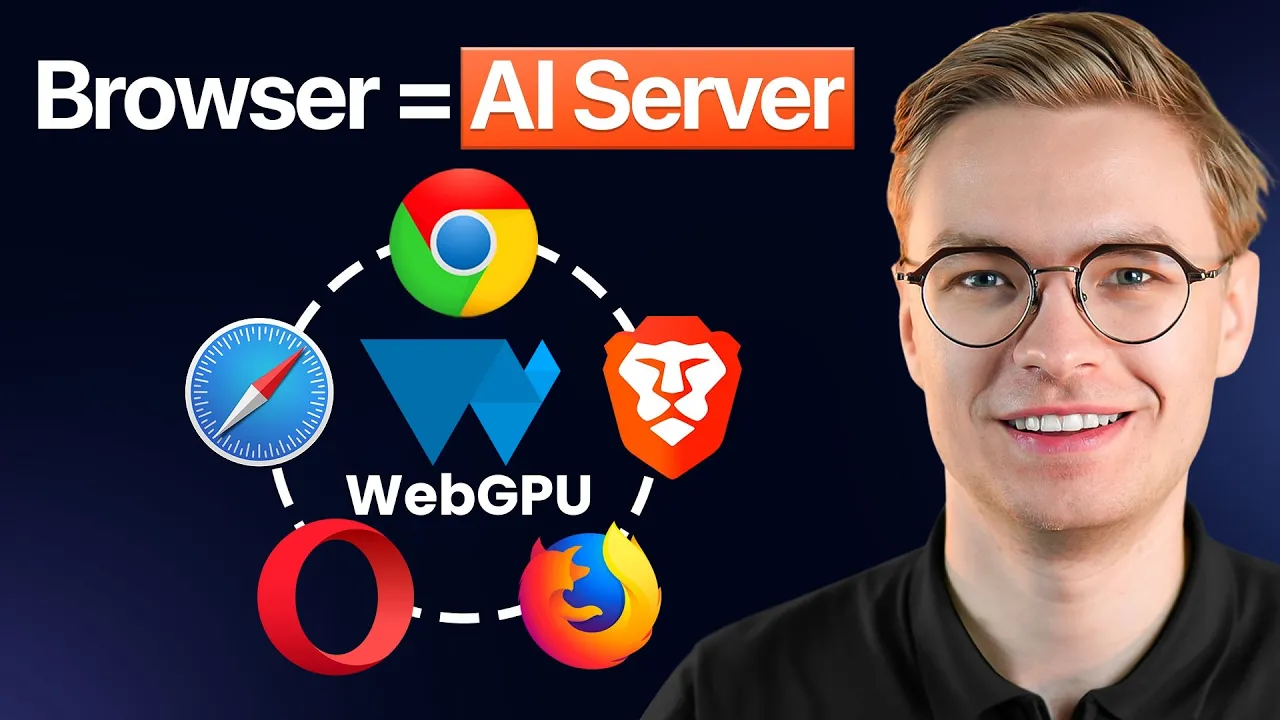
WebGPU is the unlock. For years, browsers had WebGL, which was good enough for graphics but not designed for the kind of tensor operations that modern AI inference depends on. WebGPU exposes the user’s GPU directly to JavaScript through an API that mirrors the native compute pipelines you would find in Metal, Vulkan, or DirectX 12.
That means a Llama 3.2 model running in Chrome is not running on the CPU through some heroic emulation. It is hitting real GPU compute units, in parallel, with the same kinds of optimizations a native desktop application would use. When I paste a long Wikipedia article into my browser chat and ask for a summary, my GPU utilization climbs to nearly full and drops the moment the response finishes. The hardware is doing the actual work.
Not every browser has WebGPU enabled by default, and not every model needs it. Smaller computer vision models run fine on the CPU. But once you are in LLM territory, GPU acceleration is the difference between a usable app and a frustrating one. The first thing my code does is run a hook that detects whether WebGPU is available, then falls back gracefully to CPU execution for the models that can tolerate it.
How Do You Load and Cache the Model Without a Backend?
This is where the architecture gets interesting. The models themselves are too large to ship inside your JavaScript bundle. A 700 MB language model is not something you want sitting next to your application code. Instead, you load the weights from a CDN at runtime.
Hugging Face hosts a huge catalog of quantized, browser ready models, and they are served over a CDN that is fast and free for end users. Your application, when it boots, requests the weights, the browser streams them in, and a library like Transformers.js or MLC AI’s WebLLM wires them into the WebGPU runtime. From the developer’s perspective, you write what looks like a normal API call. From the user’s perspective, they wait once, and then everything is fast.
Caching is the second half of the puzzle. You do not want users redownloading 80 MB on every visit. Modern browsers expose two storage mechanisms that are perfect for this. The Origin Private File System, OPFS, gives you a sandboxed filesystem that the browser can use to persist large binary files across sessions. IndexedDB handles structured data like chat history, user preferences, embeddings, and document chunks. Both are local to the user, both are private, and neither costs you a cent in storage fees.
The libraries I use handle the OPFS layer automatically. The first time a user runs the LLM chat, the model downloads. Every visit after that, it loads from the local cache in a few seconds. For chat history, I write a thin IndexedDB wrapper so users can see their previous conversations even after closing the tab.
Where Do You Actually Deploy a Site Like This?
Here is the part that surprises people. Because the entire application is static, you can host it on any free static hosting tier. Cloudflare Pages, Vercel’s hobby plan, Netlify, GitHub Pages, Azure Static Web Apps, all of them work. There is no server to scale, no container to keep alive, no cold start to worry about. You push your built bundle to a Git repository, the platform builds and deploys it on every commit, and your ops cost stays at zero no matter how many users you get.
The CDN handles the heavy lifting for the model weights, which are the only large assets. Your static host serves the HTML and JavaScript, which are tiny by comparison. If your app goes viral, your bill does not move. The user’s machine pays the inference cost, and the CDN absorbs the bandwidth at scale.
This is the architectural pattern I want every aspiring AI engineer to understand, because it removes the financial risk from shipping. You can put a polished AI demo in front of real users without committing to a monthly server bill, which means you can experiment more aggressively and iterate faster.
If you want to start from a working template instead of building this from scratch, browse my open source AI projects and grab one of the local AI starter projects I publish there. They cover the model loading, caching, and WebGPU detection patterns I described above, and they are designed to deploy to a free static host with one command.
What Use Cases Actually Fit This Pattern?
Not every product belongs in the browser. A 700 MB model download is a real cost, even if it only happens once. The decision of whether to run inference locally versus in the cloud comes down to three factors: model size, privacy sensitivity, and how often the user will return.
Progressive web apps are the strongest fit. If your application is something users install on their phone or pin to their desktop, the one time download cost is amortized across hundreds of sessions. A note taking app with on device summarization, a personal journal with semantic search, or a translation tool that works offline all benefit enormously from running locally. Once installed, they work without an internet connection, which is something no cloud based competitor can match.
Demo sites and portfolios are the second category. When I want to show what I can build, I do not want to give every visitor a paid API key, and I do not want to pay for their inference out of pocket. A static demo where the user’s own hardware does the work is the only model that scales to thousands of curious visitors without bleeding money. This is part of why I tell people building a strong AI engineering portfolio to consider browser based projects as their public facing examples.
Privacy sensitive applications are the third category and probably the most underrated. Some users will never paste medical notes, legal documents, or personal financial data into a hosted AI tool, no matter how trustworthy your privacy policy is. If your inference runs locally and the data never leaves the device, you eliminate that objection entirely. For certain markets, this is the only acceptable architecture.
The transcript proof on my own demo site shows all of this working. The image classifier hits 230 milliseconds. The semantic search returns matches in 6 milliseconds. The speech to text runs faster than real time. These are not toy numbers. They are good enough to ship.
What About the Use Cases Where This Pattern Falls Apart?
There are situations where you should not run inference in the browser. If your model is multiple gigabytes and your users will only visit once, you are asking them to download an enormous payload for a single use. If you need centralized logging of every prompt and response for compliance reasons, you cannot get that from a client side app. If you need a model that has not been ported to a browser compatible runtime, you are stuck.
Browser AI is excellent for proof of concept work, demos, privacy first products, and anything that benefits from offline use. It is not a replacement for hosted infrastructure when you genuinely need centralized state, very large models, or fine grained access control. Treat it as another tool, not a universal solution.
The good news is that you can start here, validate demand, and migrate to a hybrid architecture later. Many of my own projects began as fully local browser apps and only added a thin backend once real users asked for features that required server side state.
How Does the Code Actually Stay So Simple?
The thing that surprises people most when they look at the source for one of these apps is how little custom code there is. The community has done a tremendous amount of work to abstract the hard parts. For the LLM chat, my worker file calls something that looks almost identical to an OpenAI completions request. The MLC engine handles the WebGPU pipeline, the tokenization, the streaming, all of it. For image classification, I create a classifier object from the Hugging Face Transformers library and call it with an image URL. That is the entire API surface.
This means you spend your time on the use case, not on the inference plumbing. The same skills that make you good at building production AI systems with hosted APIs transfer almost perfectly. You are still designing prompts, structuring conversations, handling streaming responses, and shaping output. You are just doing it against a local engine instead of a remote one.
How Should You Start Building Your First Backendless AI App?
If you have never deployed a browser AI app before, do not try to build all five use cases I demoed. Pick one. Image classification is the easiest entry point because the models are small, the API is trivial, and the results are immediately impressive. Build a single page app that lets a user drop in an image and see the top five predictions. Deploy it to a free static host. Share the link.
Once that works, layer in OPFS caching so repeat visitors get instant load times. Then add IndexedDB to remember previous classifications. By the time you have done all of this, you will understand the full pattern well enough to ship something more ambitious like a local LLM chat or a semantic search tool over your own documents.
This architecture removes the most common reason people give up on AI side projects, which is the recurring cost of hosting. You can ship a polished AI app for the price of your own time, put it in front of users, and learn what they actually want.
If you want to see the full project I described in this post, the entire codebase is available in the YouTube video that accompanies this article: watch the browser AI walkthrough on my channel. Subscribe while you are there if you want a steady stream of practical AI engineering projects you can actually ship.
For ongoing support, code reviews, and a community of engineers building real local AI products, join us at aiengineer.community. I am active there every week, and the people inside are exactly the ones I want you working with as you build your first backendless AI app.
