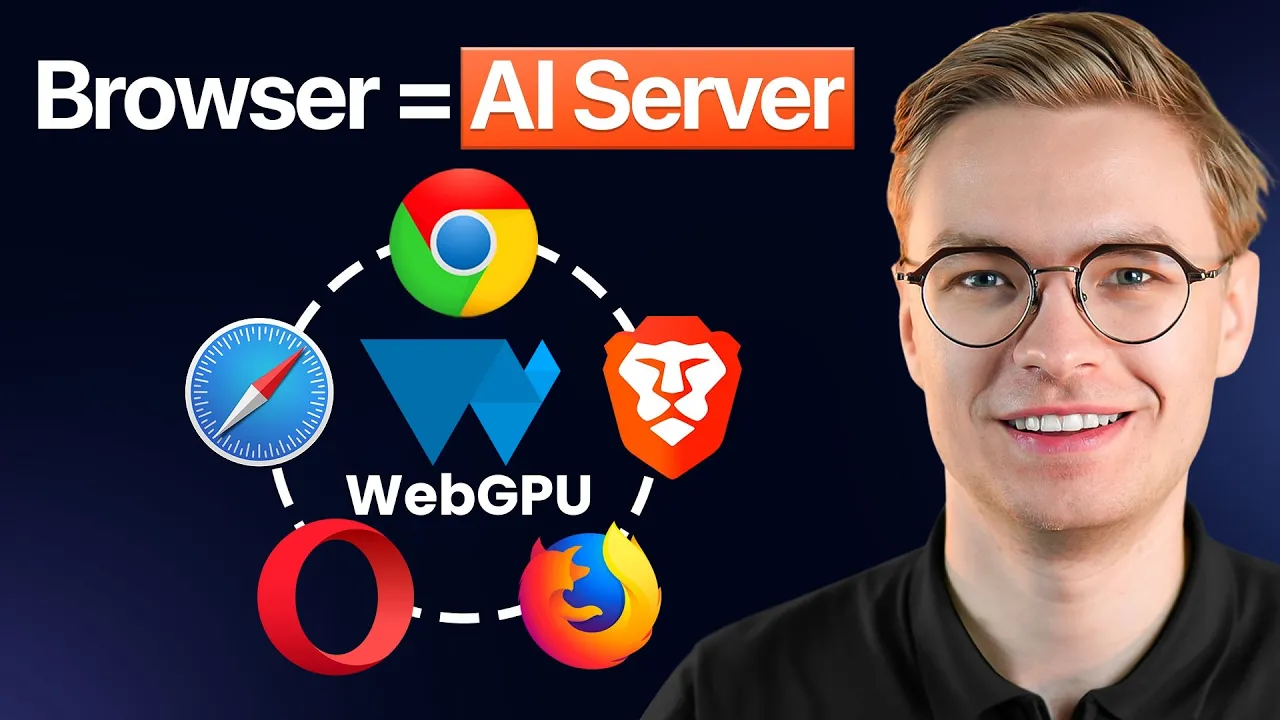
Transformers.js vs Web-LLM: Which Is Faster?
When I first told people that you can run a real Llama 3.2 chat assistant inside Chrome with no server, no API keys, and no installable desktop app, almost nobody believed me. A year ago I would not have believed it either. But I built a single browser AI website that runs five different AI models locally, and the question I keep getting from developers is the one that matters most for production: between Transformers.js and Web-LLM, which library is actually faster?
I will give you the honest answer in this post, with real numbers from the project, and the deeper reason why “faster” depends entirely on what you are trying to ship.
Why does the Transformers.js vs Web-LLM question matter at all?
Both libraries solve the same surface-level problem. They let you load an AI model into a user’s browser, cache it, and run inference locally on that user’s hardware. No backend, no GPU rental, no per-token billing. If you have ever wondered what edge AI actually means in practice, this is the purest form of it. The model literally lives on the device.
But under the hood the two libraries make very different bets. Transformers.js, maintained by Hugging Face, is built to run a huge catalog of small and medium models across a wide range of tasks. It is the in-browser sibling of the Python Transformers library you already know. Web-LLM, built by the MLC AI team, is laser-focused on running large language models efficiently on WebGPU.
That difference in focus is the entire reason raw speed comparisons can be misleading. They are not really competing for the same job.
What does Transformers.js actually run fast?
In my browser AI project I use Transformers.js for four of the five demos. Image classification, real-time hand tracking, speech to text, and semantic search all run through it. The numbers are genuinely impressive.
The image classification model is around 80 MB. Once cached, it identifies a lion or an Egyptian cat in about 230 milliseconds. The hand tracking model is only 5 MB and runs in real time on a webcam stream, even on older devices, because it is small enough to execute happily on the CPU. Speech to text uses a Moonshine-based model that transcribed 12 seconds of audio in 567 milliseconds. The semantic search embedding model returned a matching concept in just 6 milliseconds.
That last number is the one that tells you the most. Six milliseconds is not LLM territory. It is classic embedding model territory, and Transformers.js dominates there because the models are small, the runtime overhead is low, and it can fall back gracefully to WebAssembly when WebGPU is not available. For running advanced AI models on your local machine, this flexibility is the whole point.
The API itself is also brutally simple. You create a classifier object with one call, then you await the classifier with an image URL and it returns the top five predictions. That is it. The community has done the hard work of abstracting the difficult parts away.
What does Web-LLM do that Transformers.js cannot?
Web-LLM is the library I reach for when I need a real chat experience with a real LLM. In the project, the LLM chat demo loads a Llama 3.2 model through the MLC engine. When I paste a large Wikipedia article into the chat and ask for a summary, my GPU utilization climbs to nearly full load and stays there until the response finishes generating, then drops the moment it is done.
That behavior is the giveaway. Web-LLM is engineered around WebGPU as a hard requirement for anything serious. It compiles model weights and operations into WebGPU shaders that run on the user’s actual graphics hardware. For a 700 MB to multi-gigabyte model, that is the only path that produces usable token speeds in a browser. WebAssembly alone cannot keep up with a 7 billion parameter model.
The API design also reflects its single-purpose nature. The engine exposes a chat completions create method that mirrors what you would write against OpenAI or any other cloud provider. If you have built server-side AI features before, the mental model transfers almost one to one. The big difference is that the model and the inference both live in the user’s browser cache.
So which one is faster in raw tokens per second?
Here is the canonical answer most people are looking for.
For the same task, Web-LLM beats Transformers.js on large language model inference, often by a wide margin. On a modern discrete GPU running a quantized 7B model, Web-LLM can push tens of tokens per second through WebGPU. Transformers.js can technically run small language models too, but it was not built to squeeze the last drop of throughput out of a 7B model in the browser, and you feel that immediately.
For everything that is not an LLM, Transformers.js is faster, sometimes dramatically faster, because it is running models that are one to three orders of magnitude smaller. A 5 MB hand tracking model does not need WebGPU. A 6 millisecond embedding lookup does not need WebGPU. Spinning up Web-LLM for those jobs would be like renting a moving truck to deliver an envelope.
So the real comparison looks like this. If your workload is an LLM with billions of parameters, Web-LLM is faster. If your workload is image classification, embeddings, speech to text, object detection, or any other non-LLM task, Transformers.js is faster, lighter, and easier to ship.
If you want to skip straight to working code that demonstrates both libraries side by side in one app, you can grab the entire browser AI project from my open source AI starter projects. It is the same code I used to produce every benchmark in this post.
How do WebGPU and WASM backends change the picture?
The backend story is where most of the speed difference actually lives.
Transformers.js supports both WebGPU and WebAssembly. When WebGPU is available it will use it, and when it is not it falls back to WASM with SIMD acceleration. That fallback is the reason the library works on so many devices. A user on an older laptop without WebGPU support can still run image classification, just a bit slower.
Web-LLM is effectively WebGPU only for any meaningful workload. If a user lands on your page in a browser without WebGPU enabled, the LLM demo will not run usefully. In Chrome and Edge, WebGPU has been on by default for a while. In Safari it shipped more recently. Firefox is still catching up on stable channels. So Web-LLM gives you better LLM performance at the cost of a narrower browser support window.
This is why I wrote a small hook in the project that checks whether WebGPU is enabled before deciding which demo to offer. Some models are fine on the CPU, others demand GPU acceleration, and pretending the difference does not exist is how you ship a broken product. The same principle applies when choosing between running models locally with Ollama versus running them in the browser. The constraints of the runtime drive the architecture.
How long does each library take to load a model?
Speed during inference is only half the story. The first load is the part users actually feel.
Transformers.js wins on cold start because the models it serves are small. An 80 MB image classifier downloads in seconds on a normal connection and gets cached by the browser. The 5 MB hand tracking model is essentially instant. After the first visit, subsequent visits use the cache and feel native.
Web-LLM has a much harder cold start problem. A quantized Llama 3.2 model can be 700 MB or more. On a slow connection that is a meaningful wait, and you cannot pretend it is not there. Once it is cached, subsequent loads are quick, but you have to design the user experience around that initial download. A loading screen, a progress bar, a clear explanation of what is happening, otherwise users bounce.
This is also where model quantization becomes critical. The difference between a 4 bit quantized model and a full precision model is the difference between a usable browser experience and one that nobody will tolerate. Web-LLM relies heavily on quantized variants for exactly this reason.
Which library should I pick for my use case?
Here is the decision tree I actually use when starting a new browser AI project.
Pick Transformers.js when you need image classification, object detection, embeddings for semantic search, speech to text, translation, summarization with a small model, or any computer vision task. The model catalog is enormous, the runtime is forgiving, and the speeds are excellent on commodity hardware.
Pick Web-LLM when you specifically need conversational AI with a real LLM, when token quality matters more than load time, and when you can require WebGPU support. A coding assistant, a writing tool, a chat interface. Anything where the user expects something that feels like ChatGPT but private.
Use both together when your application combines retrieval and generation. This is exactly what the project demo shows. Transformers.js handles the embedding model that powers semantic search, while Web-LLM handles the LLM that consumes those retrieved chunks. The 6 millisecond embedding lookups feed grounded context into the slower but more capable LLM, and the user experiences a single coherent system.
Avoid both when your model is over a few gigabytes uncompressed, when your users are on metered mobile connections, or when you need server-grade throughput across many concurrent users. There are still plenty of cases where a hosted backend is the right call. Browser AI is a powerful tool, not a universal replacement.
What about the developer experience compared to server-side AI?
This is the part that surprised me most when I built the project. The code to call either library is shockingly close to what you would write on a server.
For Transformers.js, you create a pipeline object once, then call it with your input. For Web-LLM, you create an engine and call chat completions create with your messages. The mental overhead of “this is running in a browser” almost disappears once the model is loaded. You write your application logic exactly the way you would write it against a cloud API, which means you can prototype a feature in the browser and later migrate it to a backend with very little rewriting if your scale demands it.
That portability is why I keep recommending browser AI as the fastest way to ship a proof of concept. You skip the entire deployment story for the demo phase, you let your users experience the feature on real hardware, and you only invest in a backend once you actually need one.
Final take on Transformers.js vs Web-LLM speed
Transformers.js is faster for everything that is not a large language model. Web-LLM is faster for large language models. They are not really rivals, they are partners, and the best browser AI applications use both for what each one does well. If someone asks you which is faster without specifying the workload, the honest answer is that they are asking the wrong question.
If you want to see this exact architecture working live, with all five models running locally in your browser, watch the full walkthrough on my YouTube channel at https://www.youtube.com/watch?v=1mix7WnuEK0 and grab the open source code from the link in the description.
And if you want expert guidance on shipping browser AI features into real products and turning local AI skills into a high-paid AI engineering career, join my community of AI engineers at https://aiengineer.community/join. It is where the next generation of AI engineers is being built.
