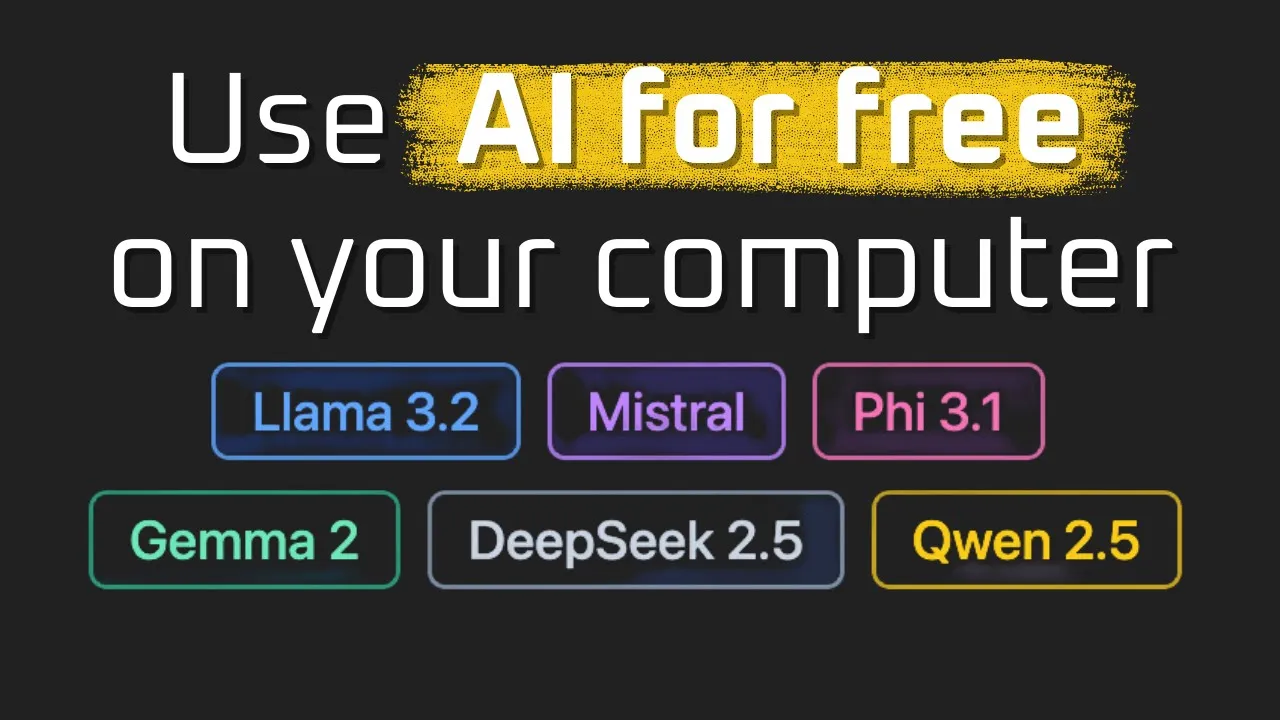
Local AI for Indie Hackers Shipping Side Projects on a Budget
I have shipped enough side projects to know exactly what kills them. It is not the idea, it is not the tech stack, and it is not even the marketing. It is the moment your free tier users start hammering an OpenAI API key and your monthly bill quietly climbs past your monthly revenue. That is the indie hacker death spiral, and the answer for most of us is sitting on the laptop we already own. Local AI for indie hackers shipping side projects on a budget is not a clever optimization. It is the only sane default when you are bootstrapping.
I want to walk you through the exact playbook I use when I am building something small, fast, and revenue positive. The video tied to this post shows me running a real model locally in about ten minutes using LM Studio, hitting it from a Python script, and treating the whole thing like a normal API. That ten minute setup is the entire foundation of the hybrid playbook I am about to describe.
Why does local AI matter for indie hackers shipping on a budget?
The honest math is brutal. If you charge nine dollars a month for a tool and a single power user generates two dollars in token costs every day, you are not running a SaaS, you are running a charity. Most indie products live or die on this exact unit economics calculation. Local AI flips it. The marginal cost of an inference on hardware you already paid for is electricity, and electricity is cheap compared to per token API pricing.
In the video, I download LM Studio, pull a three billion parameter model, and start chatting in a few minutes. The response time is fast on a modern M chip, and the model is good enough for plenty of real use cases. That is the unlock. You do not need a frontier model to summarize a note, classify a support ticket, or rewrite a paragraph. You need a small model that runs on the machine you already own. This is the same shift I describe in my piece on accessible AI running advanced language models on your local machine, and it is the foundation of every cost effective indie AI product I have shipped.
How does the hybrid free tier and paid tier playbook work?
Here is the model I keep coming back to, and it is the core idea I want you to take away.
Free tier users get routed to your local model running on your own machine or a cheap home server. They pay you nothing, so you should be paying near nothing for their inference. A small open source model handles ninety percent of what they ask for. Latency is fine. Quality is fine. They are happy because the product works, and you are happy because you are not bleeding money on people who have not pulled out a credit card yet.
Paid tier users get routed to a frontier cloud model. They are paying you. You can afford a higher quality response because you have actual margin to spend. The user gets noticeably better output, which becomes part of the upgrade pitch. You get to charge more because the product genuinely improves at the higher tier.
This is the exact split that makes cloud vs local AI models a false dichotomy for indie hackers. You do not pick one. You pick both, and you put each in the place where its economics actually work.
The routing logic is dead simple. Check the user’s plan. If free, hit your local endpoint. If paid, hit OpenAI or Anthropic. That is fifteen lines of code in any web framework. The hard part is not the routing. The hard part is letting yourself believe a small local model is genuinely good enough for the free experience. Once you actually try one, you stop worrying.
What does the local stack actually look like in practice?
In the video I show the stack I use, and it is intentionally boring. LM Studio runs on my machine. I load a model, set a context length that fits my memory, and start a local server with a single click. That server exposes an OpenAI compatible endpoint at v1 chat completions. From there it is just HTTP. I literally paste the curl command into my terminal, it responds, and then I ask the local coding model to convert that curl into a Python script using the requests library. It does, I save the file, I run it, and it works.
The whole loop took minutes, and it is the same loop your production code will follow. You do not need a special SDK, a vector database, or a Kubernetes cluster to ship your first AI feature as an indie hacker. You need a model that runs locally, an HTTP endpoint, and a tiny bit of routing logic in your app.
I keep a small library of these tiny self hosted setups for different use cases. Coding helper. Summarizer. Classifier. They are not glamorous, and that is the point. If you want to see the kind of project scaffolds I am talking about, the Local AI Starter Projects collection is where I publish the ones I am happy to share.
Get the Local AI Starter Projects
How do you pick a model that fits your hardware and your use case?
This is where most indie hackers freeze up. They open a model picker, see twenty options with cryptic names, and close the tab. Do not do that. The video shows the simple way. Open LM Studio, pick the recommended starter model, and run it. If it works on your hardware, great, ship it. If you want better quality and your machine can handle it, search for a bigger version. If you want a coding helper, search for code in the model picker and pick one of the popular community options. The download counts and likes are surprisingly accurate signals.
A three billion parameter model will run on most modern laptops with a decent chip. A seven or eight billion parameter model is usually the sweet spot for quality if you have sixteen gigabytes of memory or more. Anything bigger and you are getting into territory where you should think about the cheapest PC build for local AI under 600 dollars or a used GPU under 400 dollars instead of pushing your laptop. For most indie projects, you do not need to go there yet. Start with what you have, ship something, then upgrade when revenue justifies it.
The other thing I want to mention is context length. Bigger context uses more memory. For most indie use cases a context of four thousand to eight thousand tokens is more than enough. Do not crank it up just because you can. You will run out of memory and your machine will crawl.
How do you avoid the classic indie hacker AI trap?
The trap is building an AI feature that is too generous on the free tier. People will use it. A lot. And every use is a token cost. I have watched founders post launch updates celebrating thousands of signups, then quietly post a few weeks later about shutting down because the API bill ate them alive.
Local AI is the structural fix. When the marginal cost of a free tier request is essentially zero, viral growth is no longer a financial threat. It is what you actually want. You can be generous with free users because being generous is no longer expensive. This is the same dynamic I dig into in my post on AI cost management architecture, and it is doubly important when you are a solo founder without a finance team.
The other discipline is to keep your prompts short and your features focused. Every token in your system prompt is a token you pay for on the cloud side and a token you wait for on the local side. Indie products win on speed and clarity, not on ten page system prompts that try to do everything.
How do you handle the moments when local quality is not enough?
Be honest about the failure modes. A small local model will sometimes produce output that is noticeably worse than a frontier cloud model. For an indie product, the way you handle that moment is more important than the raw quality difference. Add a tiny upgrade nudge inside the free experience. When the user asks for something complex, generate the local response and offer a paid retry that runs the same prompt against the cloud model. They get the comparison in their own session, on their own data, and the upgrade pitch writes itself. I have seen this single pattern double conversion rates on small AI tools because it turns the quality gap into a sales asset instead of a churn risk.
You can also cache aggressively on the cloud side. If two paid users ask the same question, the second answer should come from your cache, not from a new API call. Indie products tend to have long tails of repeated queries, and a simple key value cache on prompt plus context can shave thirty to fifty percent off your cloud bill without changing the user experience at all. Combine that with local for free and selective cloud for paid, and your unit economics start looking like a real business instead of a hobby that bleeds money.
What should an indie hacker actually do this week?
Stop reading and download LM Studio. Pull the recommended starter model. Start the local server. Send a request from a Python or Node script. That is the whole onboarding, and once you have done it, the rest of the playbook unlocks itself. The video walks through every step in real time, and I built it specifically so a busy indie hacker could watch it once and ship the same day.
Then take whatever feature you are about to build with the OpenAI API and ask yourself one question. Could a small local model do the free tier version of this acceptably well? Nine times out of ten, the answer is yes. The tenth time, you have a paid tier feature and you should price accordingly.
If you want to see the broader picture of how local first thinking is changing the field, my post on how local AI is shaping software engineering careers is a good companion read once you have shipped your first version.
Watch the full ten minute walkthrough on YouTube here: https://www.youtube.com/watch?v=f40iM0mt4ww
If you want to talk to other indie hackers and engineers shipping AI features on a budget, come join us at https://aiengineer.community/join. The hybrid free and paid playbook is one of the most common conversations in the community, and you will find people running the exact stack I described above on real revenue generating products.
